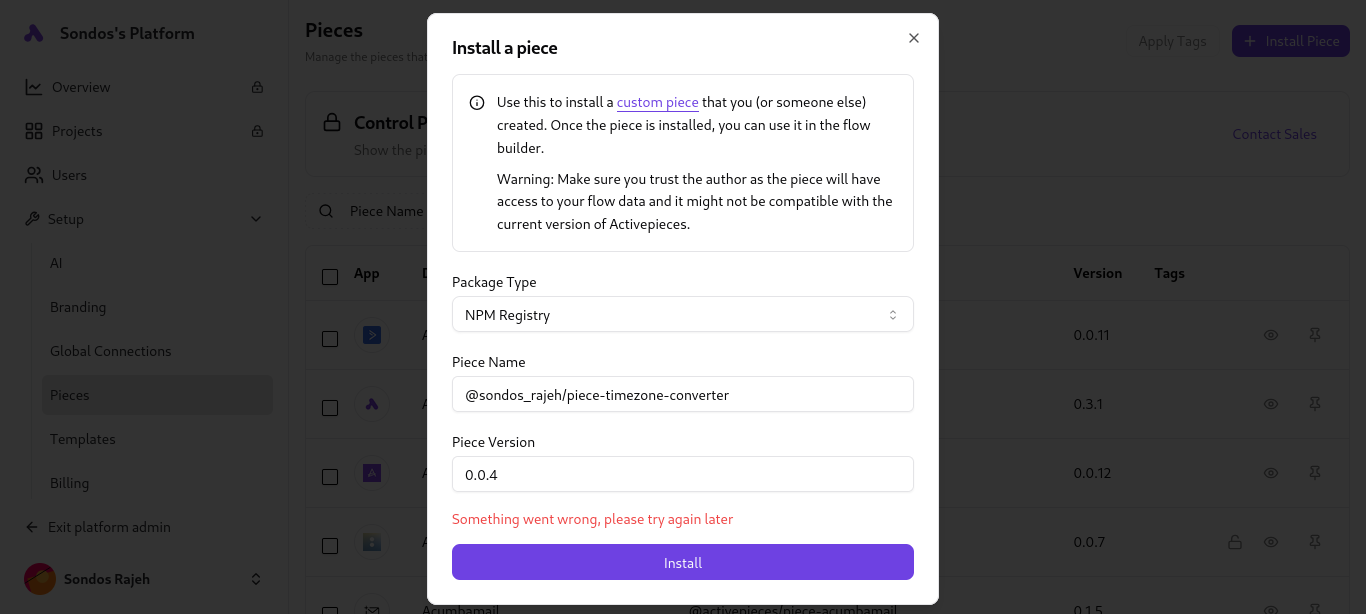
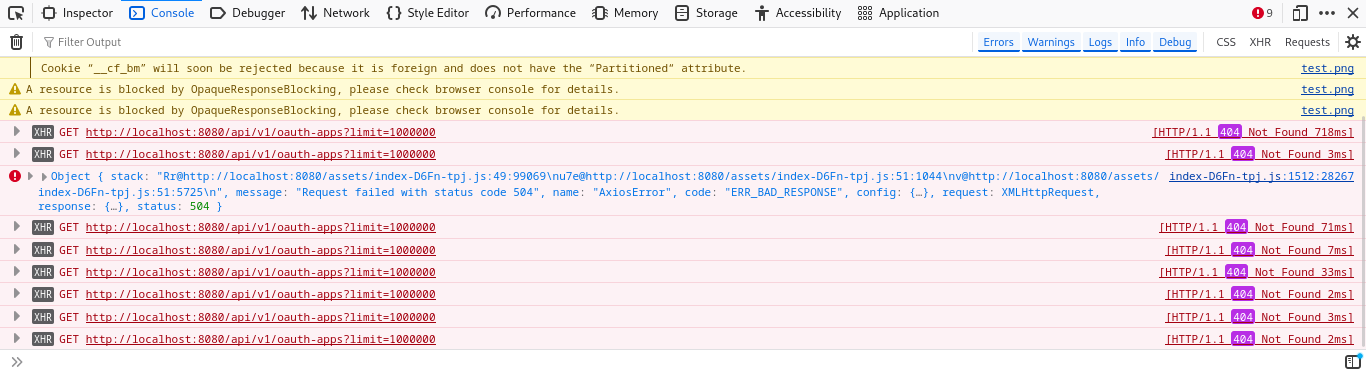
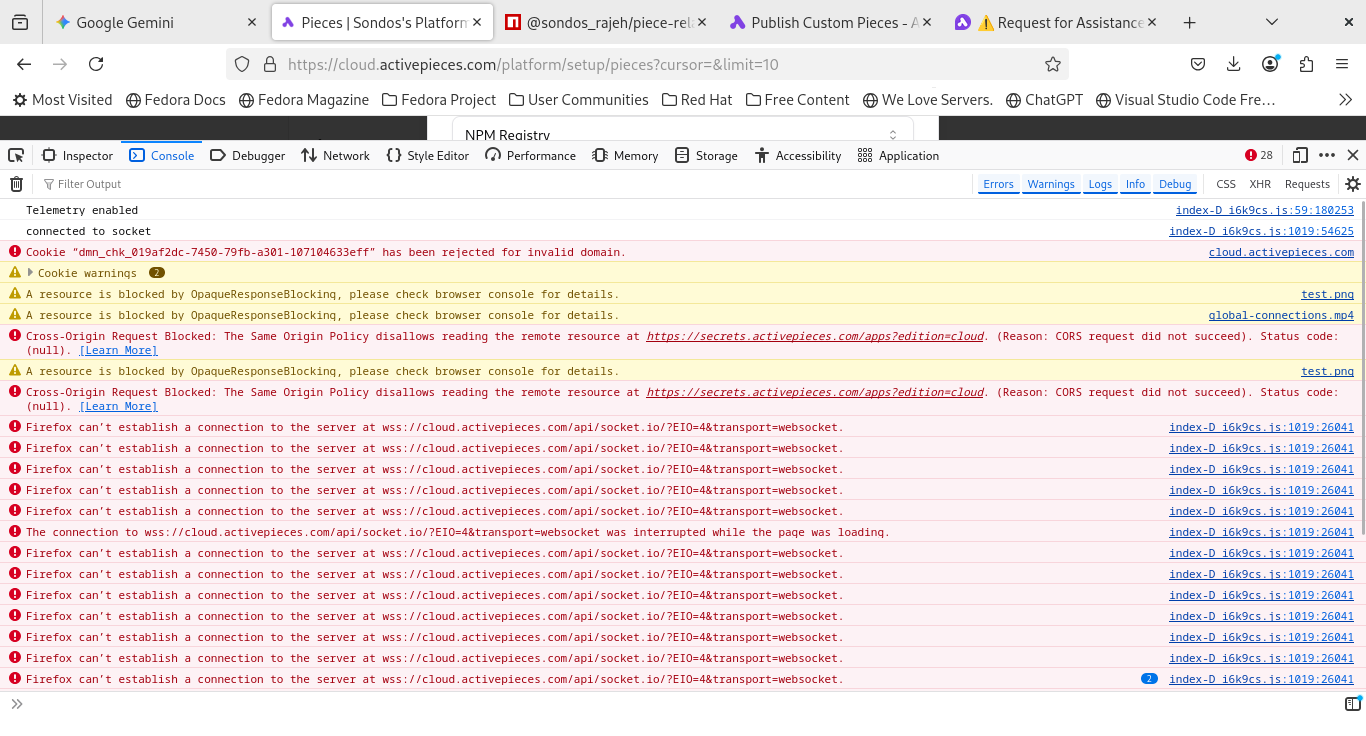
I am seeking community insight regarding an unexpected issue with a recently published package on NPM.
Situation Summary
The package was successfully published to the NPM registry without any reported errors during the upload process. However, when attempting to install the package using npm install, the process consistently terminates with an error message, preventing successful installation.
Key Context
Successful Publish: The npm publish command executed successfully.
Installation Failure: The error occurs during the npm install step.
Prior Success: A previous, independently published package from the same environment and workflow functions and installs successfully, suggesting the issue is specific to the contents or configuration of this new package.
I am currently investigating potential causes but would appreciate any expert analysis on what specific mechanisms—such as misconfigured dependencies, issues with the files array, or failed post-install scripts—might lead to an installation failure despite a successful publication.
How do you package the piece? in the package.json I can see there is non existent packages and some versions are written in wrong format.
This file should be automatically generated, check the docs on how to use the cli to publish the piece, It should generate package.json without need to modify it manually
my pieces don’t show in my local project , so i had to publish on NPM them to install and try them @abuaboud
i just started learning activepieces and this is the second piece i have published
 Situation Summary
 Key Context