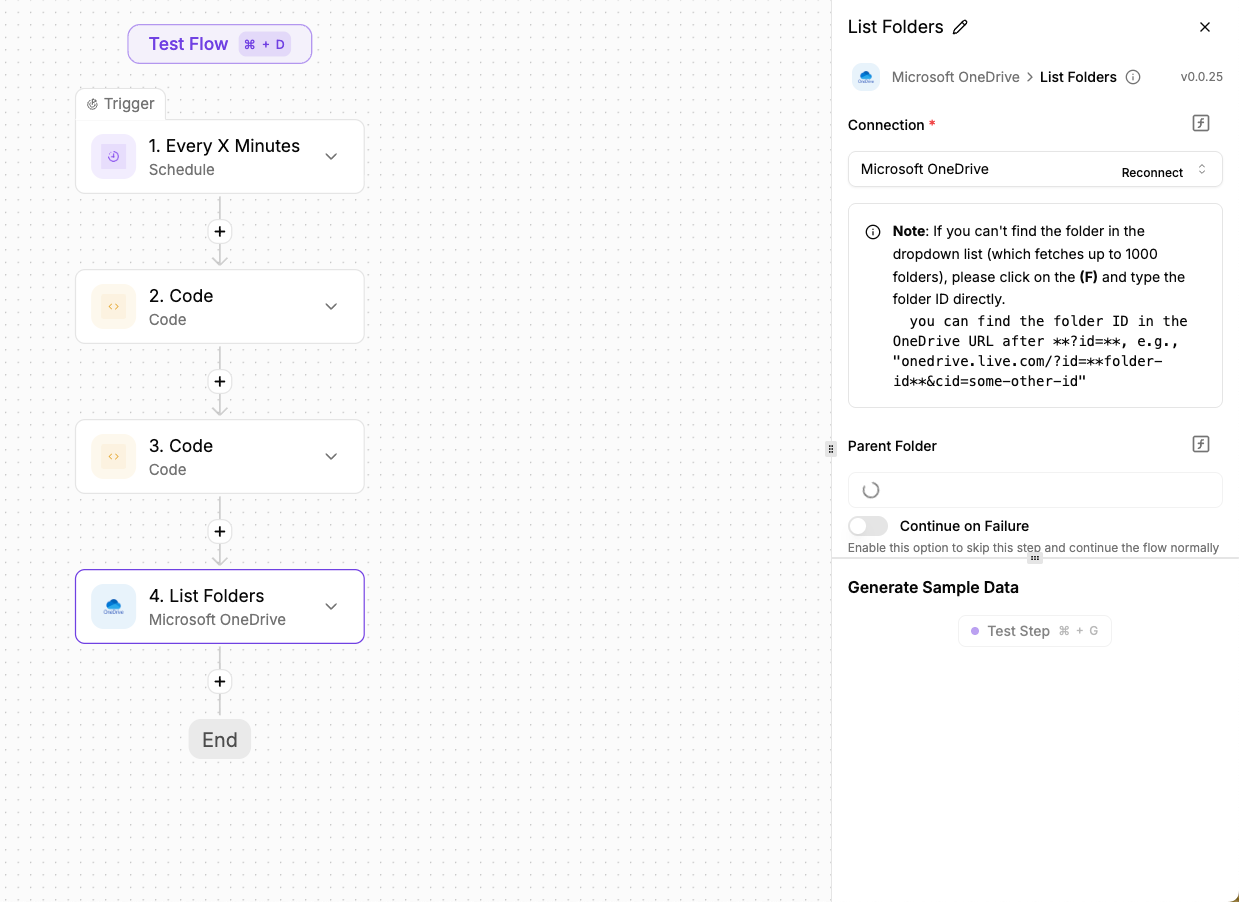
I am having issues connecting to One Drive. I was able to set up a client id and secret through azure and got ngrok set up. However, the parent folder input just continuously loads and never comes available for selecting anyting. Is there something else that is needed?
How many folders do you have at the root level?
I have 9 folders and file file at my root level. I think perhaps it isn’t available for non business accounts which stinks.
If that’s the case, is tehre something else i should use that could work? I need to get files from my pc to onedrive/googledrive/dropbox, etc.
It works with both personal and work OneDrive accounts. Could you try recreating the connection and then try again?
Unfortunately, this is all that it does…
Anyone have ideas? still not working
Hi there - I am still looking on how we can get this connection to work. It is impossible to see folder ids or get the automation to list the folders by using the list folders from the one drive connection. I have been told time and time again this should work for personal one drive accounts, but I am not able to get past this issue.
Hello @NDCallahan ,
The dropdown is keep loading. Could you tell us how many folders/subfolders you have in onedrive?
at the root level. I have 11 folders. from there i counted maybe 25-30 sub folders that can go around 3-4 levels deep.