I have invited a user as co-admin to our team. He received the team invitation, when clicking the button in the email gets the welcome message, but once in the app, he never sees any of our team data. For him it looks like a fresh, empty free account.
We have 5 seats in our team account, and he’s supposed to be member no. 5
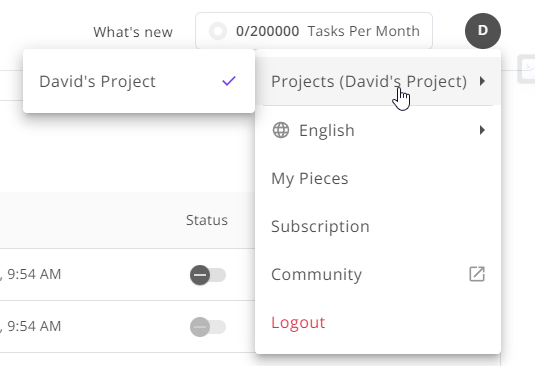
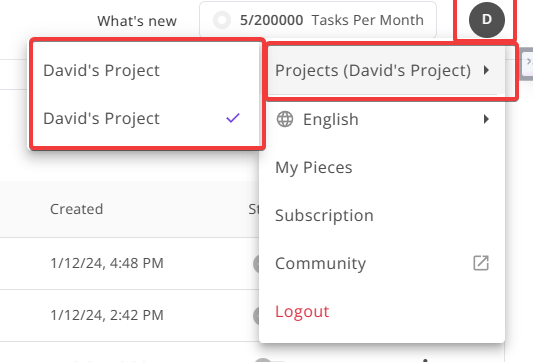
I believe if they already have an ActivePieces account of their own before being invited to your team, they need to click ‘Projects’ and switch to the Team workspace. (Click their Profile Icon for dropdown (In my case the D)).
Just be aware, when inside flows you have already created (unless it has been updated since my comment to a post here) they will also be able to access your connections to things like OpenAI API key, and Google Drive, which will also allow to to edit or create files and folders in your personal connections.
@Bachi - If it is of any further help, I just invited myself via another email address as a team member to my main account, as I wanted to test what the different permissions allow.
After accepting the invite, on the main account it showed the user I invited as active, but on the invited user account, as with your issue above, I could only see that users account and not the team account.
Out of curiousity, I simply logged out of the invited user account, and then back in, and this time it shows both accounts underneath the drop down, and I am able to view and switch between the user account and the team account. So, it might sound silly, but has the person you invited, tried this?
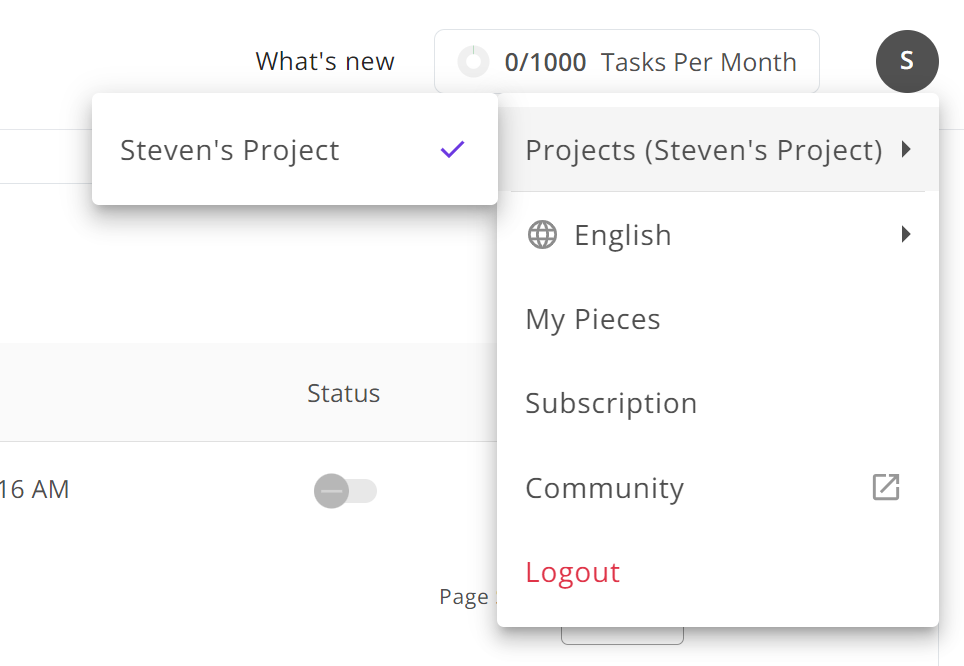
@GunnerJnr the problem described here was and is still the issue in my account. I have tried to log out and in again but the issue remains. Attached a screenshot where you can see that I do not have access to the team. The email I am using to log in is the one where I have received the invite from my team mate.
Hmmm, that is a strange one. Sorry, it didn’t solve your issue. I guess you could always try getting your team member to delete you from their team account, and then send you the email invite again. Can’t guarantee it’ll make a difference but worth a shot if you haven’t tried it already.
Failing that I think you’ll need to reach out to ActivePieces support and see if they can find an issue on their end.