Hey everyone  ,
,
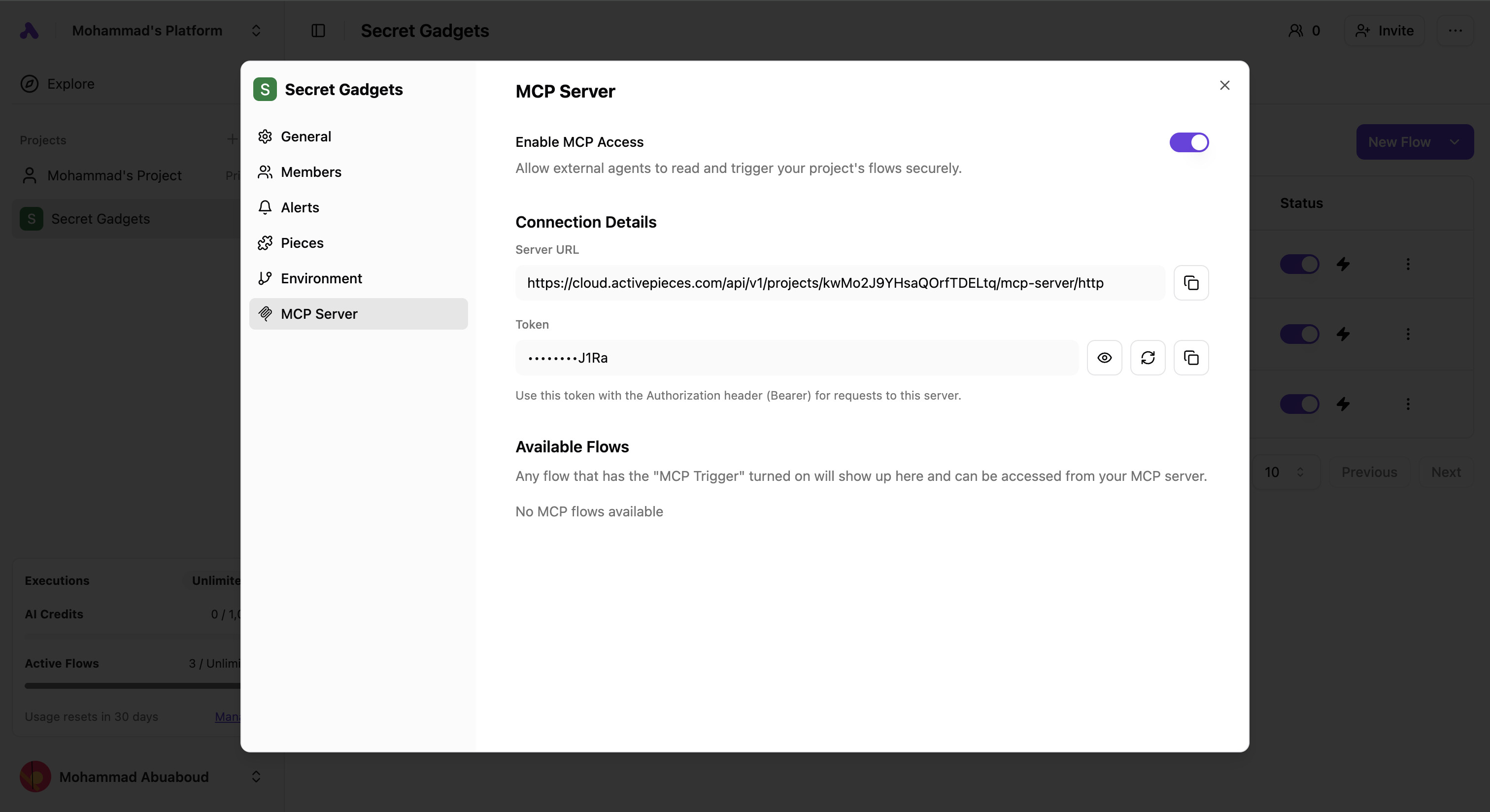
We’re excited to share an improved version of MCP! Connecting your MCP is now much easier, faster, and more secure 
 What’s new:
 No more AI Credits needed — MCP now connects only to flows, so the mini-agent for resolving inputs is no longer required.
 Faster performance — We now support the new Streamable HTTP protocol and no longer use SSE.
 Project-wide MCP — You only need one MCP per project now. This removes a lot of setup friction.
 Stronger security — MCP now uses a token in the headers instead of in the URL.
 Important: Your old MCP will stop working. Please reconfigure it using the new settings under Project Settings → MCP Server.