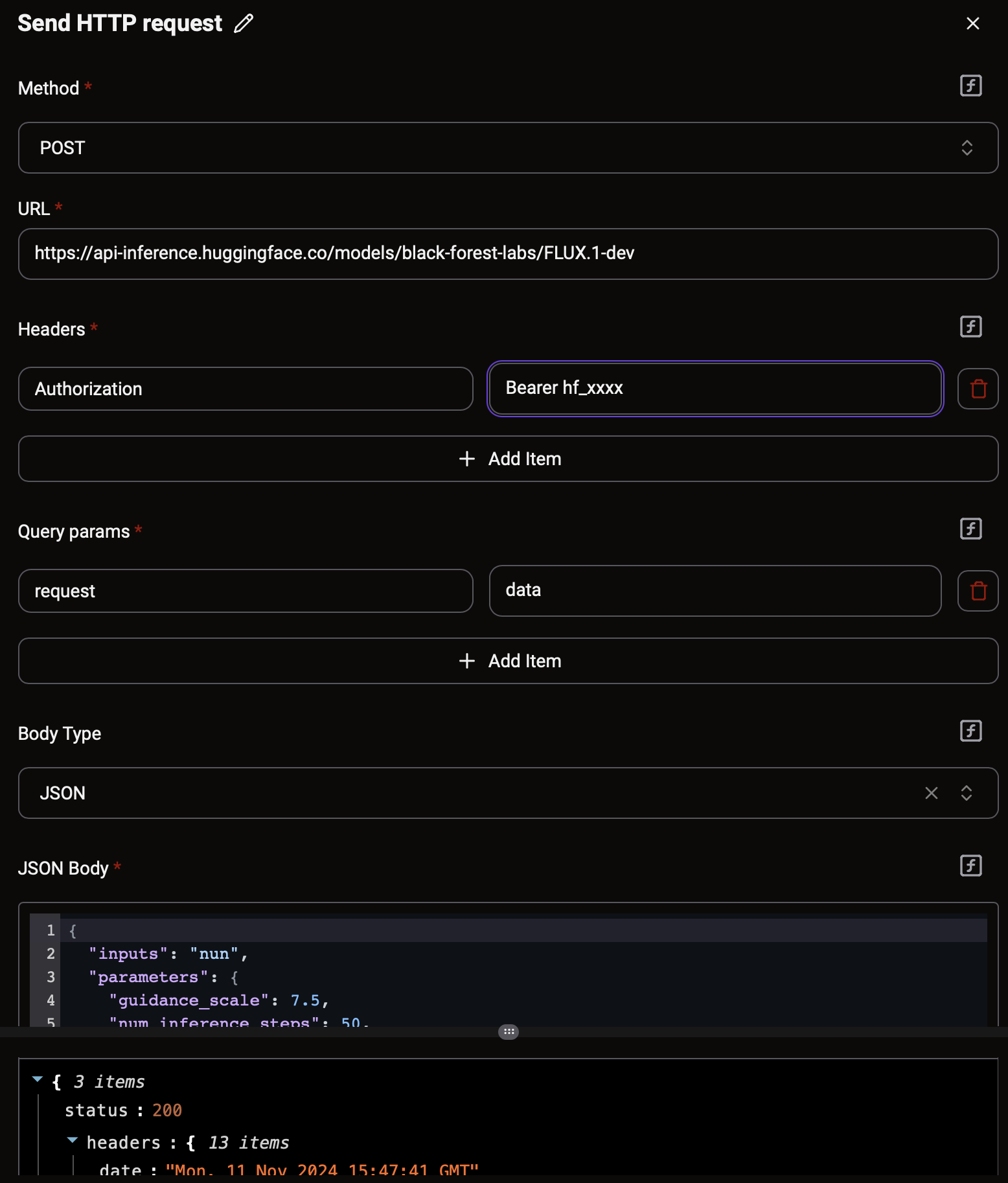
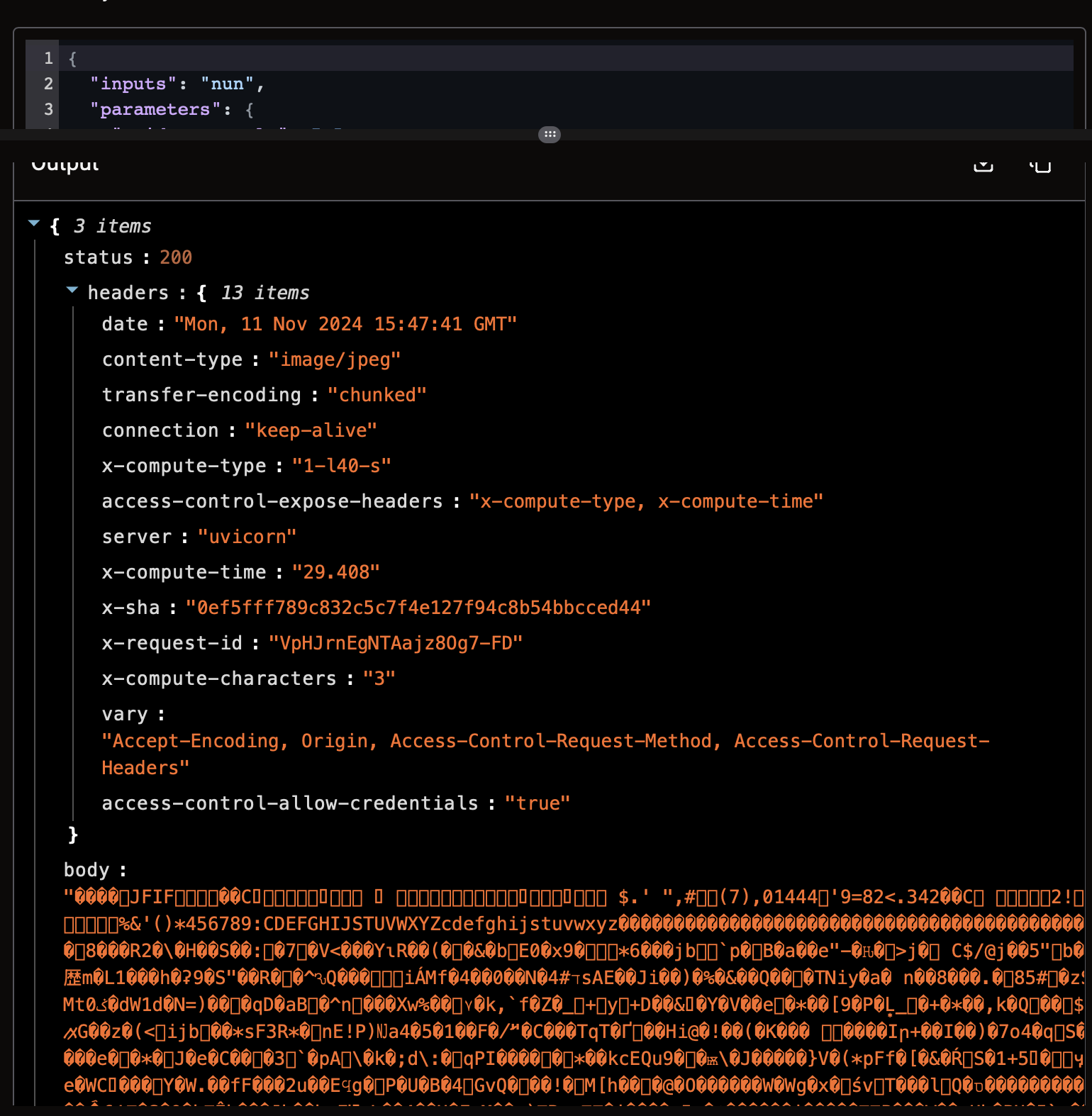
I’m creating a flow where I want to use the Hugging Face API for text-to-image generation (Text to Image). I have everything set up and working in n8n, and I receive the output, but when I try to save the result to Google Drive, I get an error message: “”{“file”:["Expected file url or base64 with mimeType, but found value: “”
I’m a beginner and I’ve been struggling with this for two days, and I couldn’t find any solutions or help online. Does anyone have any suggestions? In n8n, I receive “data” and when I save it, I get the generated image, but here I have “body” which I’m unable to save.
Romeo111 is right that the Hugging Face text to image endpoint answers with raw image bytes rather than JSON, which is why the Google Drive step rejects the body.
You can do the conversion without a Code step:
In the Send HTTP request step that calls Hugging Face, tick Response is Binary. The body then comes back as a base64 string instead of raw bytes.
Add Files Helper, action Create File. Content: map body from the HTTP step. Encoding: Base64. File Name: something like image.jpg (match the content type header the endpoint returns, usually image/jpeg or image/png).
In Google Drive Upload File, map the File URL output of Create File into the File field.
The same Create File with Base64 pattern is what JamesT confirmed for base64 QR code images in the “How do I convert base64 image to a temporary file?” thread, so it should hold for any image API that returns bytes.
If testing the single step freezes the builder, that is the sample data size limit abuaboud described for large responses in other threads; run Test Flow instead of Test Step.