The next step after the delay won’t get executed until the hour has passed, since all is good without it, just give it an hour then look back at your runs, and you should see it proceeded as expected.
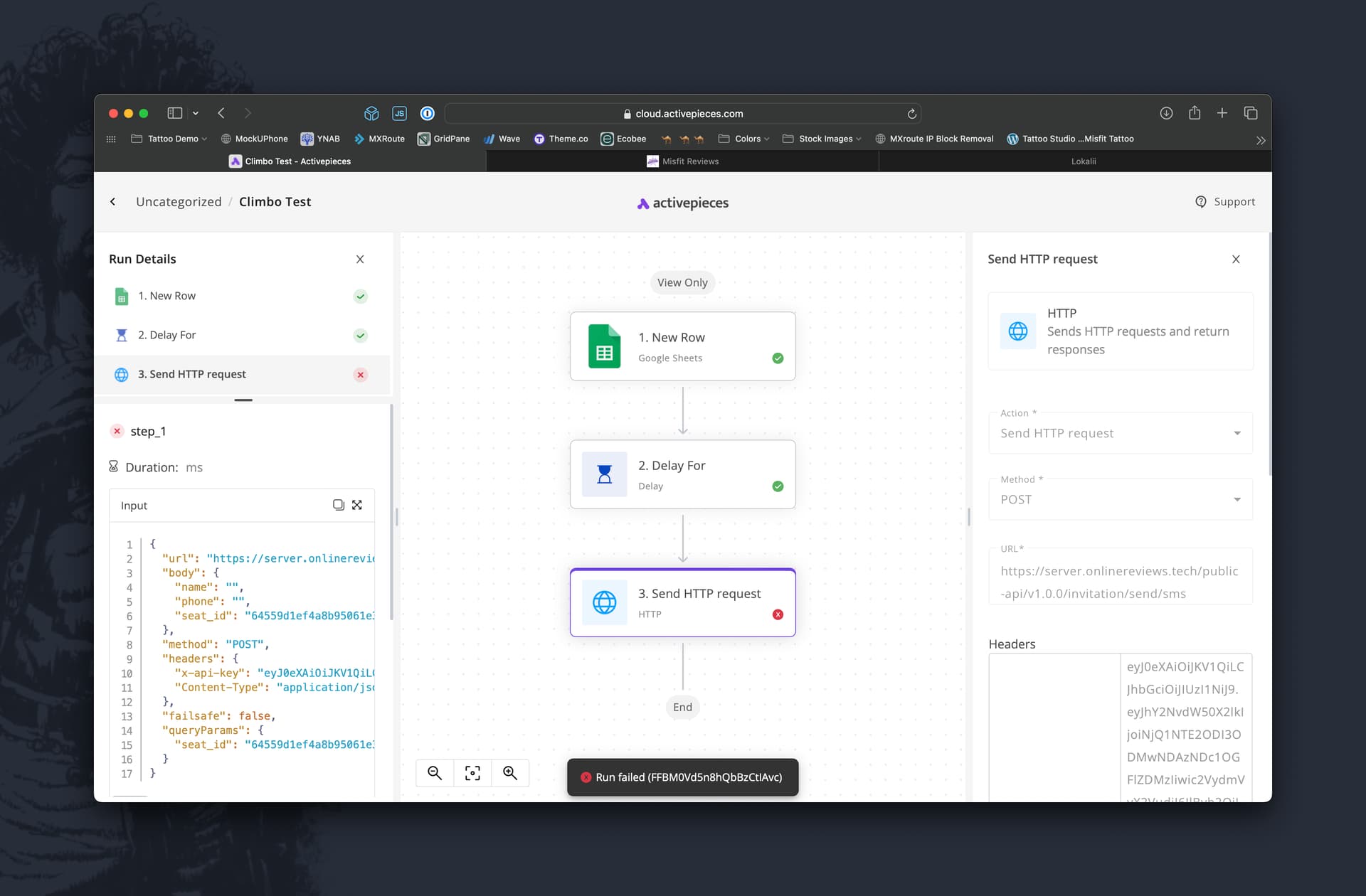
{
  "response": {
    "status": 400,
    "body": {
      "error": "E39",
      "message": "Oops, something went wrong, check that you have added all the required parameters and that all the types are correct. Here is a list of the required parameters: ['name', 'phone', 'seat_id']. Verify this params: ['name', 'phone']"
    }
  },
  "request": {
    "body": {
      "name": "",
      "phone": "",
      "seat_id": "64559d1ef4a8b95061e3442f"
    }
  }
}
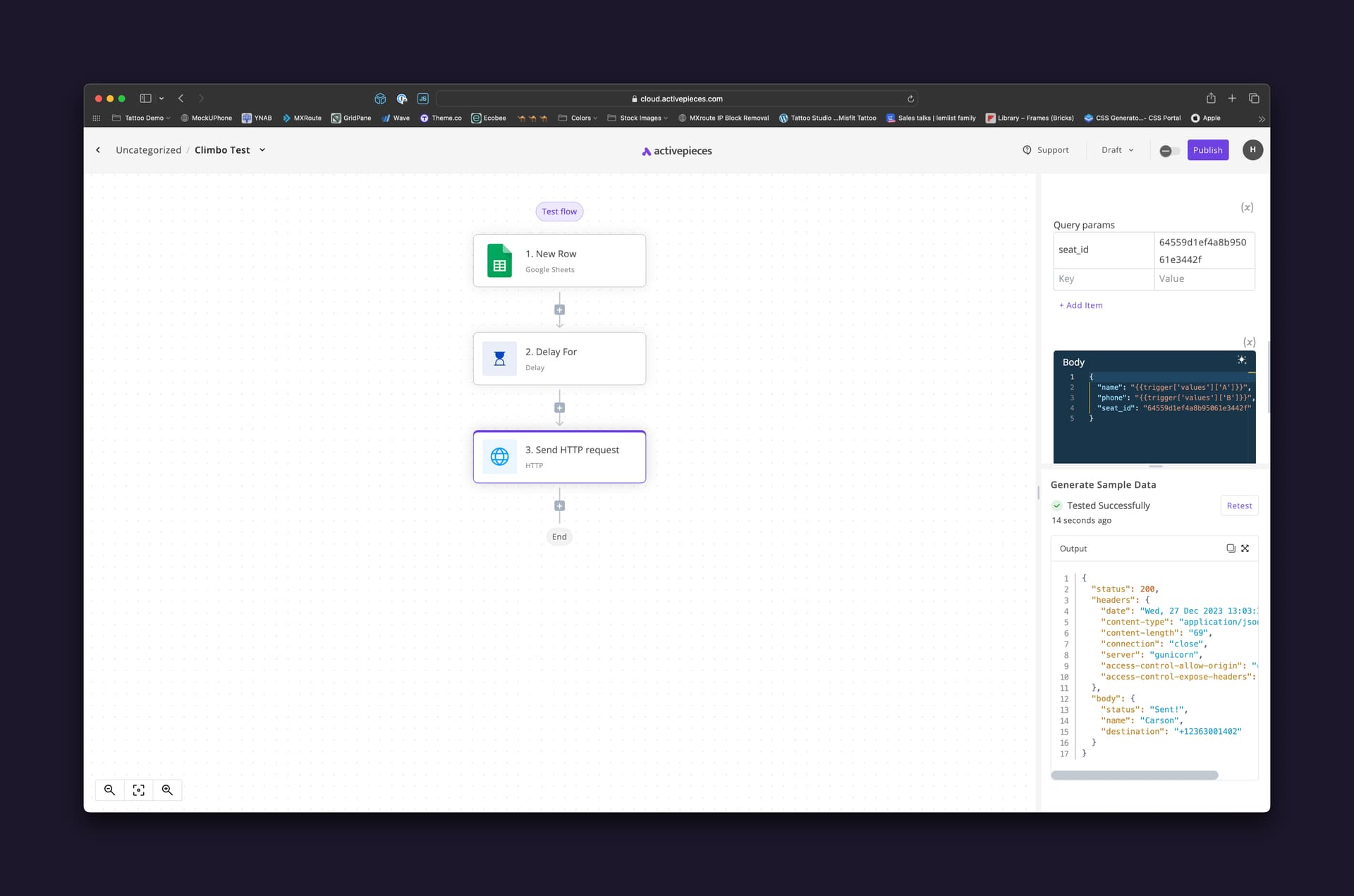
There should be a name and phone included, but after the delay those tokens are missing.
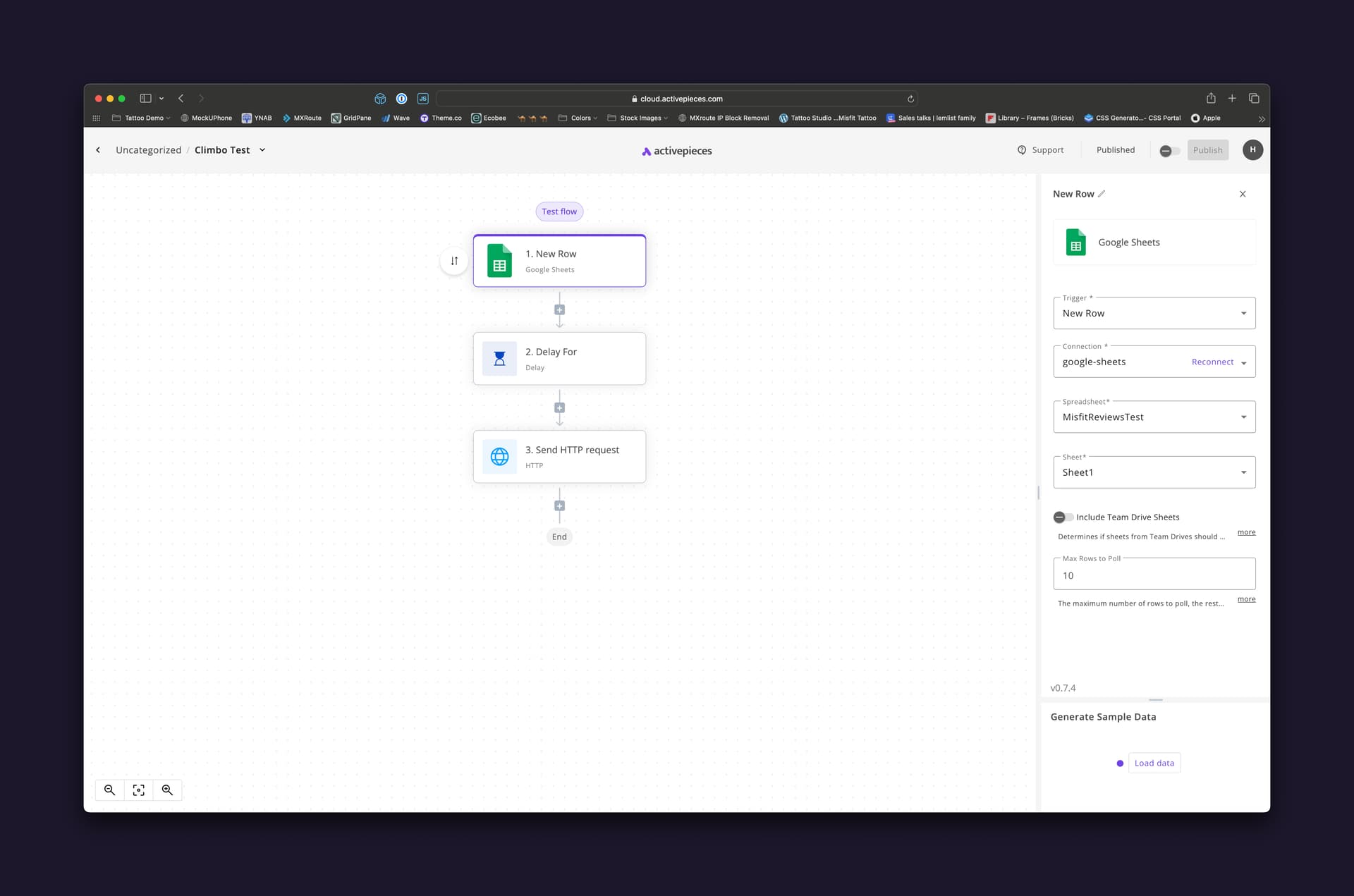
Here’s what I’m trying to accomplish. When a new line is added to the Google sheet I want to wait one hour and then have the next step trigger sending a text message from another software.
Can you make sure your request body has the parameters ‘name’ and ‘phone’ and that they have values in the trigger payload ? hit “Load data” after selecting the trigger “New Row” to populate it with sample data, so the flow can mimic what would happen in a real run.
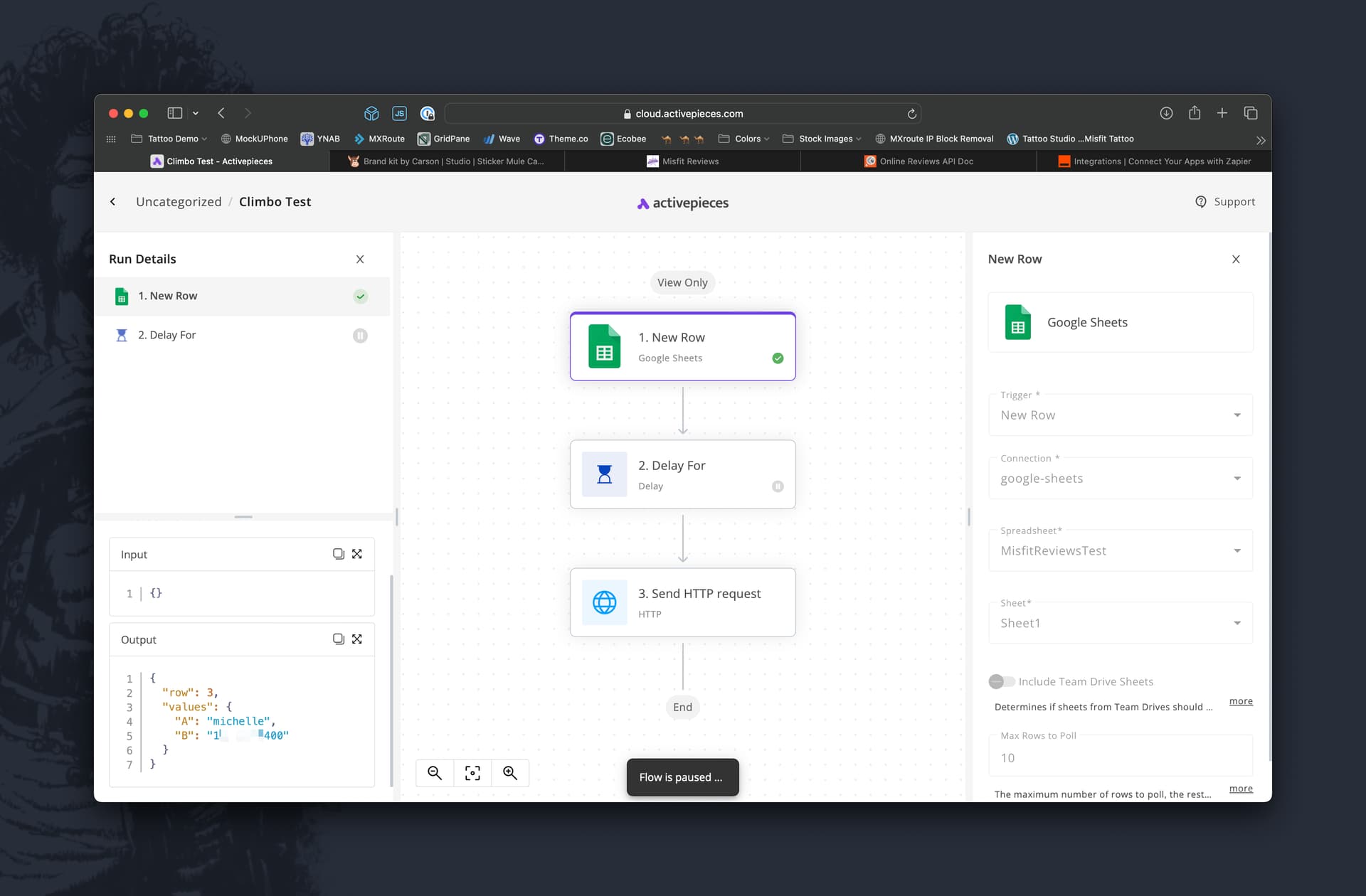
It carries the info from the previous steps no issue, could you please go to a run where an issue is occurring and select the trigger and send us a screenshot of its output/input ?
Hi @Carson_W, in the run you can see that the output of the trigger is null, can you select the trigger step and scroll down to the bottom to see the version of the piece ? if it has an orange circle next to it, please replace your trigger and fill in the info again so you are running the newest version then publish and try again, and if you can, please keep track of the records that were inserted.
Thanks for the screenshots. this is a bug that our team is working on a fix for, please bare with us until that happens for the time being, I recommend you use our store step, to store and retrieve the trigger data before/after delay