Really confusing interface for testing webhooks. I am on the cloud version, trying to troubleshoot with recent form submissions. The interface shows the last 5 actual results (I assume?) in a drop down:
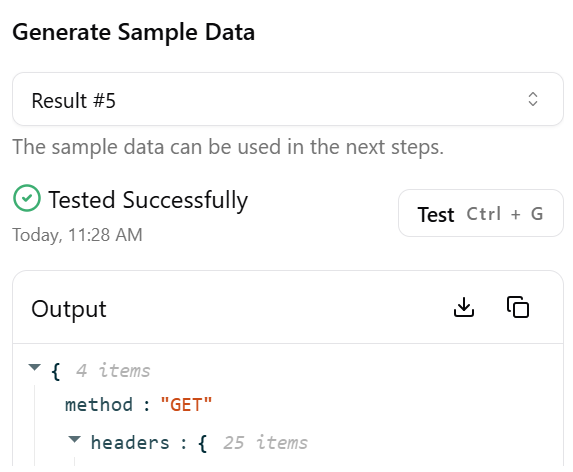
Clicking “Test” listens for a submission OR there is a button for generate a test response. The generate sample data pops up a window with various options:
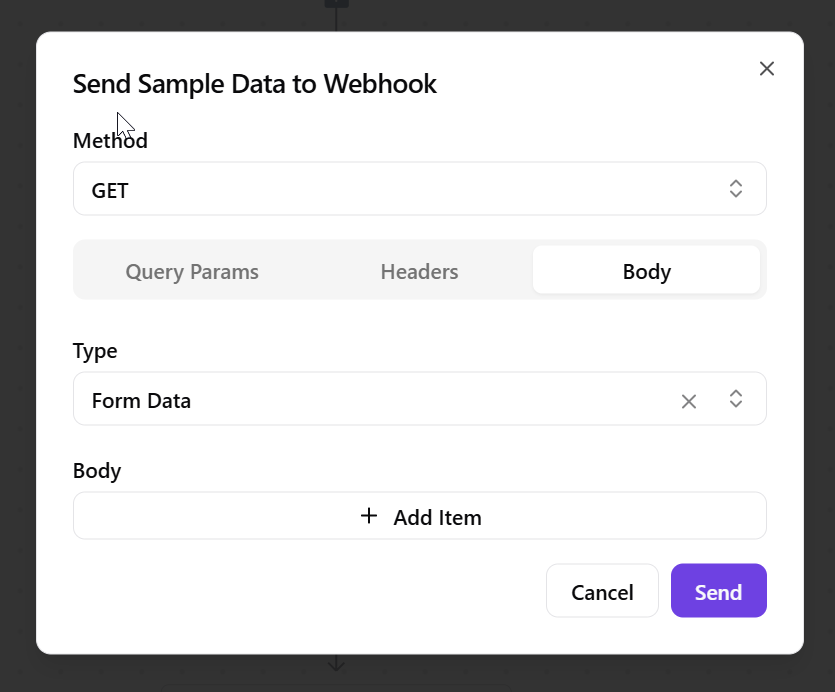
It’s really unclear what to do from here. Does it require Body to be inserted, or will clicking Send after selecting form data choose the most recent result?
Really not intuitive, the help docs are not helpful as the AI does not even acknowedlege there is a results drop down. More explanation here in the UI or help docs would be very helpfu;l.