Hi,
You really should allow for BYOK “API keys” as an option on the cloud version.
Quick note, I am unable to use this new credits functionality. My billing page does not include the option to add a CreditCard. So no credits, cant use MCP without it.
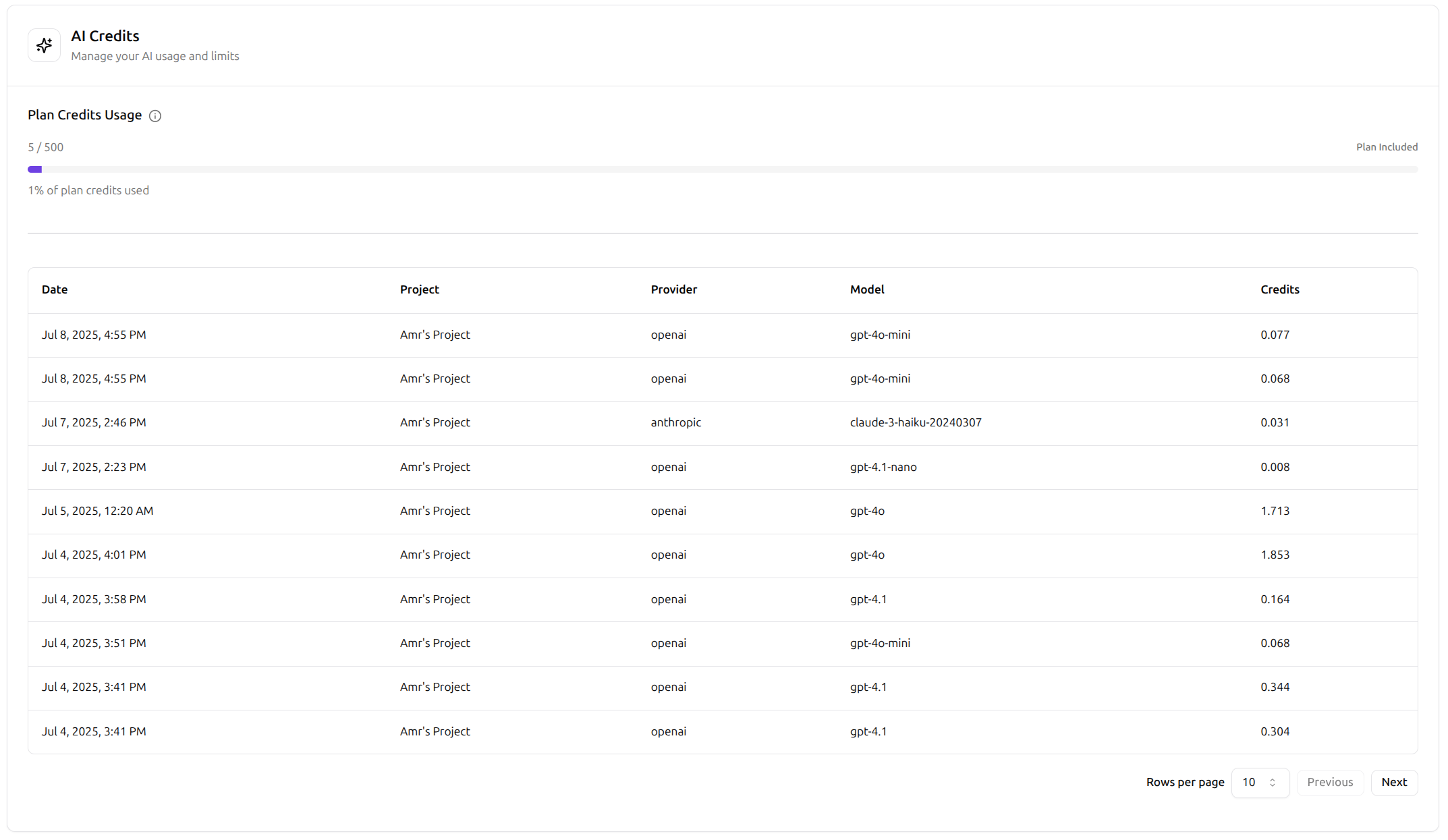
What are the factors that influence credit consumption, such as input/output length, complexity of the AI task, or the specific tool being used?
Can you give clear examples of common automated tasks with their estimated credit costs? This would help with benchmarking, comparisons and understanding.
You have the data from your testing. Rerun them if you have to. Can you share any of it. Write a blog post or share it here.

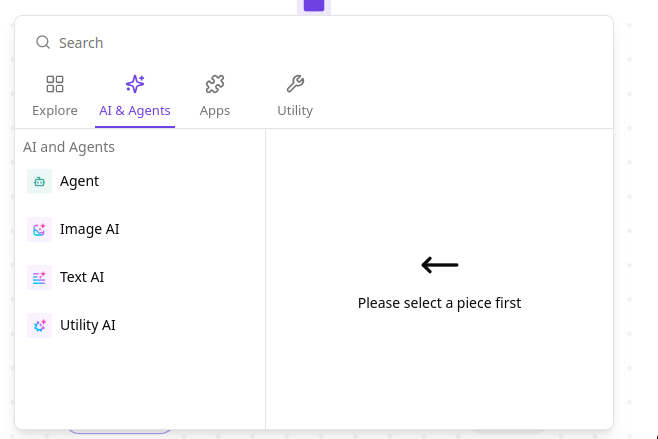


 You can add your credit card in the cloud version — we’ll charge $1 for every 1,000 AI Credits, and you can set a spending limit
 .
. For self-hosters, you’ll need to provide your own API keys in the platform admin .