Activepieces AI Providers

Hello,

I am using Activepieces Cloud as a Platform Admin.

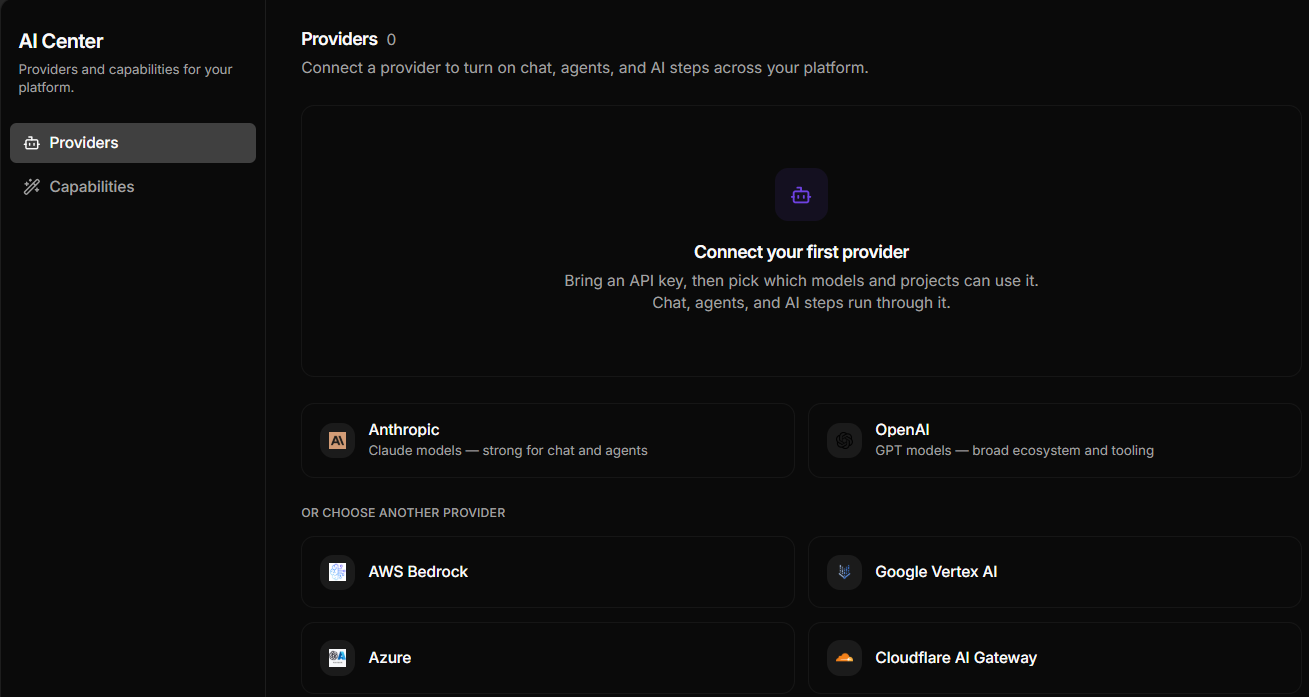
In Platform Admin → AI Center → Providers, the page shows “Providers 0”.

When I click “Connect your first provider” or any provider such as OpenAI or Anthropic, nothing happens. No connection dialog opens.

I tested:

* Normal browser

* Desktop site mode

* Incognito/private mode

* Multiple provider cards

My account is confirmed as Admin.

Because the Connect button does not open for any provider, I cannot configure an AI provider, and my “Ask AI” steps cannot run.

Could you please check whether there is an issue with AI Center Providers on my Cloud account or wor

kspace?

Thank you.

Hello,

I have the same problem. Also this problem was already mentioned in:

Both threads were automatically closed.

In Setup→AI Center→Providers nothing is clickable:

My setup:

  • local installation

  • in the Health dialog it shows version 0.91 but indicating a problem, because the current version is supposed to be 0.92, but the link to github shows the latest release as 0.91 (2026-09-26)

    image

Thanks for your help,

Richard.

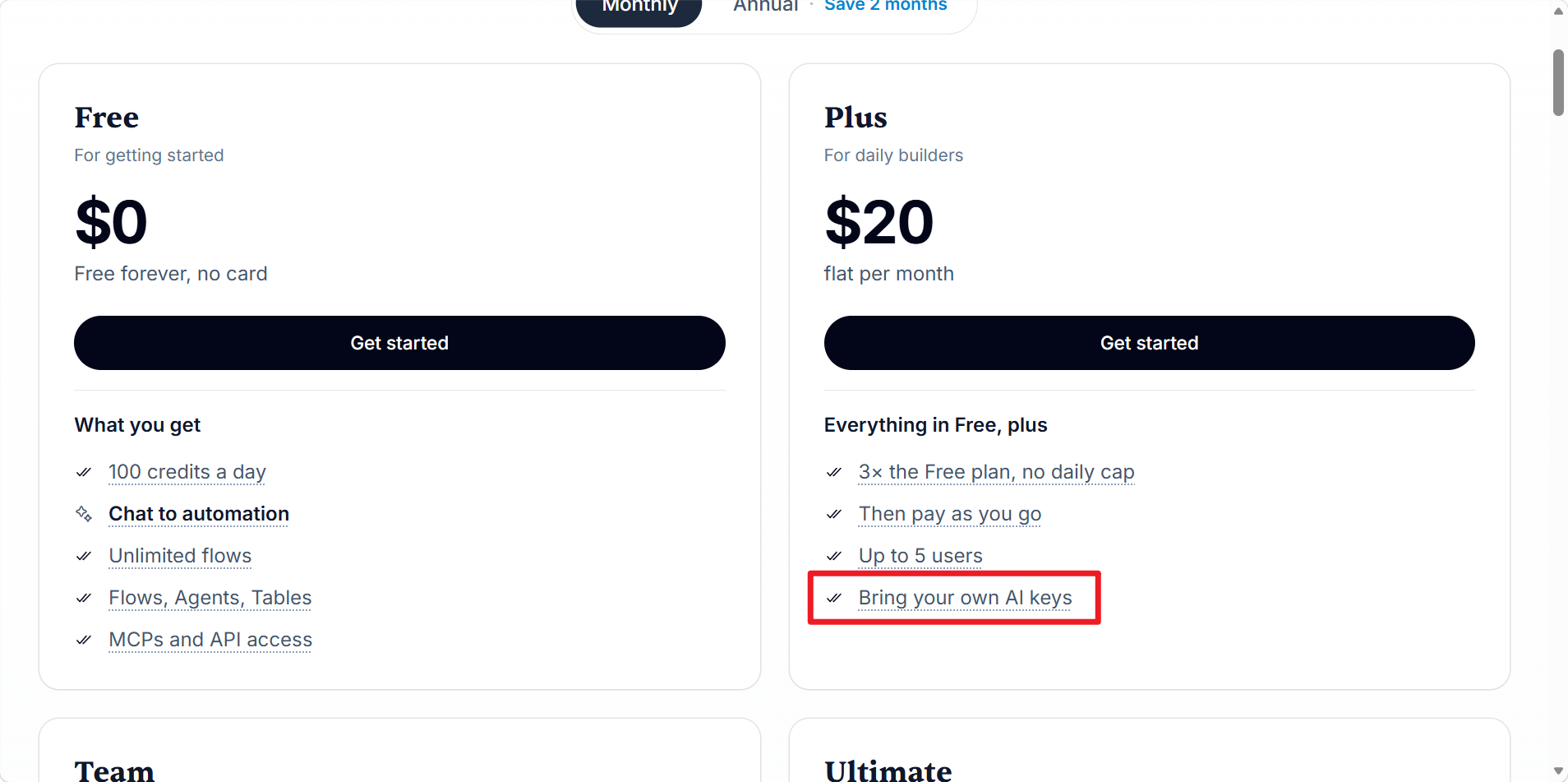
It seems that you need to upgrade to at least the Plus plan on the cloud version to enable the Bring Your Own Key feature.

Thanks for your reply,

But i do not use the cloud services, but host my own instance.

On the other hand you’re not far off!
In a longer debug-session i noticed, that the command
curl -fsSL ``https://get.activepieces.com`` | sh

installs Activepieces in the Free Enterprise Edition and not Community.
One has to change in activepieces/.env the line AP_EDITION=ee to AP_EDITION=ce.

With that change and a reinstall, one can add his own AI provider.

I’d say this could be better documented - but for me, my problem is solved.
Thanks,
Richard